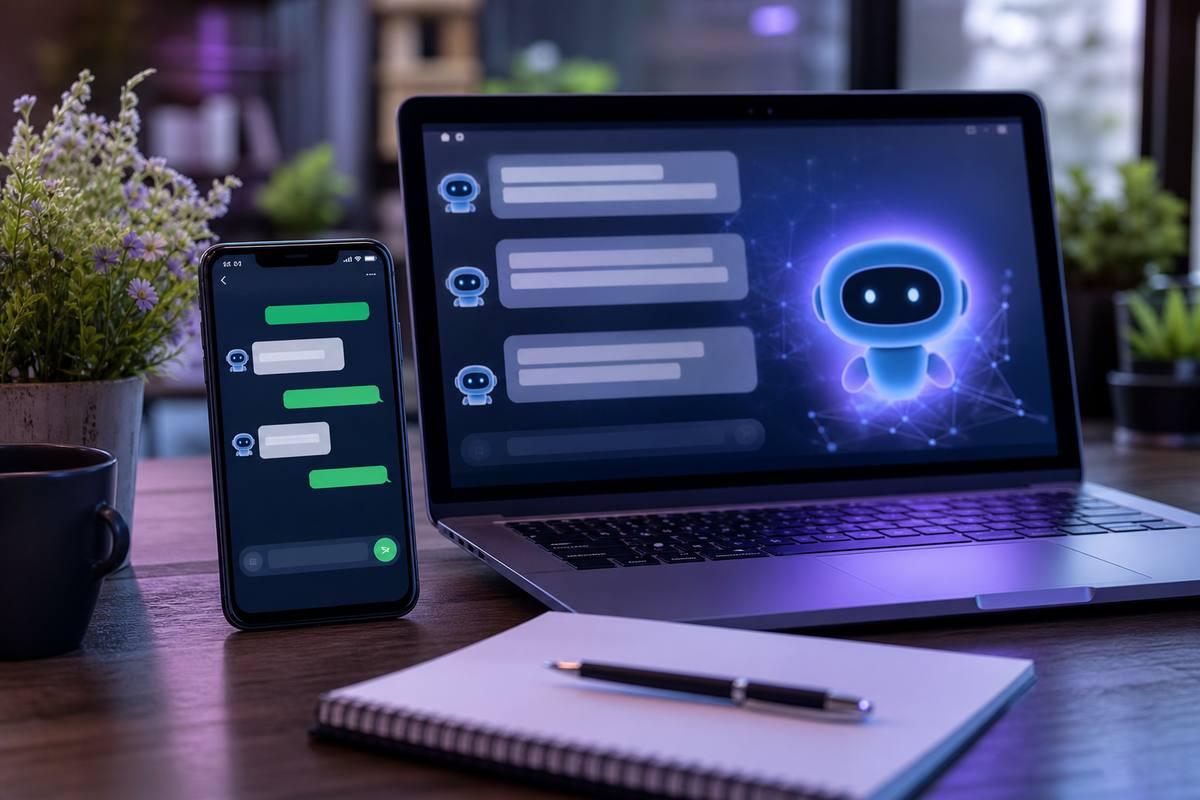
The question of ai chatbot and chatgpt integration for local businesses has shifted from 'is this real?' to 'how do I actually set this up?' in about 18 months. Every business owner I talk to has either tried something and been disappointed, or heard enough conflicting information that they don't know what to believe.
Here's the practical version. ChatGPT-powered chatbots are tools — not magic, not useless. They work well for specific, repetitive, time-sensitive jobs and poorly for everything else. This post covers what's actually useful for a local business, both on your website and on WhatsApp, and what it realistically takes to get there.
What Local Businesses Are Actually Using This For
Skip the enterprise case studies. Here's what small and medium local businesses are getting real value from:
- Answering common questions around the clock: hours, location, pricing, services, parking, deposit requirements — questions that eat staff time but have predictable answers
- Qualifying leads before a human follows up: 'What service do you need?' 'What's your budget range?' 'When are you looking to start?' — collecting this upfront makes the follow-up call faster and more useful
- Appointment and booking information: not always replacing your booking system, but fielding the 'how do I book' and 'what do I need to bring' questions that come in at all hours
- First-response on WhatsApp: most local businesses lose leads by responding slowly — automation handles the immediate reply and buys your team time
The pattern across all of these is the same: high volume, repetitive tasks, where speed of response matters. If your team is answering the same twenty questions every day, that's where a chatbot earns its setup cost.
Website Chat vs WhatsApp — Two Different Problems
Website chat and WhatsApp automation solve different problems, and treating them as interchangeable leads to bad decisions about which to build first.
Website chat is passive. The visitor is already on your site. You're giving them a way to ask a question without picking up the phone — lower friction than a call, lower commitment than a contact form. The goal is converting more visitors into inquiries by being available at the moment they have a question. Setup typically involves an embeddable widget with a knowledge base built from your service content and FAQ material.
WhatsApp is active. You're reaching someone who already knows you — they filled out a form, called once, walked into the shop. The value of ai chatbot and chatgpt integration for local businesses on WhatsApp is almost entirely about speed of response. A lead comes in at 9pm; your automation sends an acknowledgment within minutes, asks two or three qualifying questions, and sets expectations for human follow-up. By the time your team sees it the next morning, you have context, the lead feels acknowledged, and they haven't gone to a competitor who responded faster.
The technical setup differs too. Website chat uses an embeddable widget connected to an API (OpenAI in most cases). WhatsApp requires the WhatsApp Business API — which needs a verified business account — connected to your AI system through an automation layer like Make, n8n, or a direct custom integration.
What Data Does the Chatbot Actually Need?
This is where most implementations fall apart. The chatbot doesn't know your business. It needs to be given your specific information in a structured way, and the quality of what you put in directly determines the quality of what it says to customers.
Minimum for a genuinely useful business chatbot:
- Services list with descriptions and pricing, or a clear 'contact for pricing' instruction if you don't publish rates
- Operating hours, location, and any access information (parking, entry, etc.)
- Real FAQ content — the questions your customers actually ask, not generic ones you invented
- Process information: how to book, what happens after booking, what customers need to prepare
- Key policies: cancellation, deposits, refunds, waiting times
Better implementations also include:
- Anonymized past customer inquiries — understanding how people actually phrase questions
- Staff phone scripts — what your team says verbally to common questions is often the most useful training data
- Any existing content on your site that actually answers real customer questions
A vague 'about us' page and nothing else produces a vague chatbot. The businesses that get the most out of this spend a few hours documenting their own operations properly before any technical setup begins.
Build vs Plugin — When Each Option Makes Sense
You have two realistic paths: use an existing tool or plugin (Tidio, Intercom, Crisp, ManyChat for WhatsApp) or build something custom using the OpenAI API directly.
Plugins make sense when:
- You need something working within a week or two
- Your use case is standard — FAQ answering, lead capture, basic qualification
- You're on WordPress or a platform that already integrates with common tools
- Setup budget is under $2,000
A custom build makes sense when:
- You need the chatbot integrated with your actual business systems — a CRM, booking software, inventory system, or internal database
- None of the plugin options can handle your specific workflow without painful workarounds
- You want full ownership of the data and control over the model behavior
- You're building something that will handle serious traffic volume or expand significantly
The honest recommendation: most local businesses should start with a plugin. Get real usage data first. Learn what questions customers actually ask versus what you assumed they'd ask. If you've outgrown the plugin after three to six months, build something custom with actual evidence of what it needs to do. Going straight to a custom build without validated use cases is an expensive way to test assumptions.
A Quick Word on Agents vs Chatbots
You'll hear 'agent' and 'chatbot' used interchangeably right now. They're meaningfully different, and the distinction matters for setting realistic expectations.
A chatbot answers questions. It works from a knowledge base, responds to inputs, collects information, and can pass data to your CRM or send a notification. It doesn't make decisions or take actions in external systems on its own.
An agent can take actions. It can look up your calendar and book an actual appointment, check inventory in real time, send emails, update records in your database. Agents are more powerful and significantly more complex to build, test, and maintain reliably. For most local businesses, a well-configured chatbot is what you need right now. The agent conversation usually makes sense six months later, after the chatbot is proven and you understand where the real workflow bottlenecks are.
Don't let the terminology push you toward a more complex build than your current operations actually justify.
If you want to know whether a chatbot is the right fit for your business specifically — what it would take to set up, what it would realistically cost, and whether the use case is strong enough to justify it — that's a conversation we're happy to have without overselling it. Take a look at our AI chatbot services at /services/ai-chatbots for more on what we actually build.